 สอบถามสินค้าทาง LINE @sale.jdc ↗
 In stockView details
In stock
Presenter
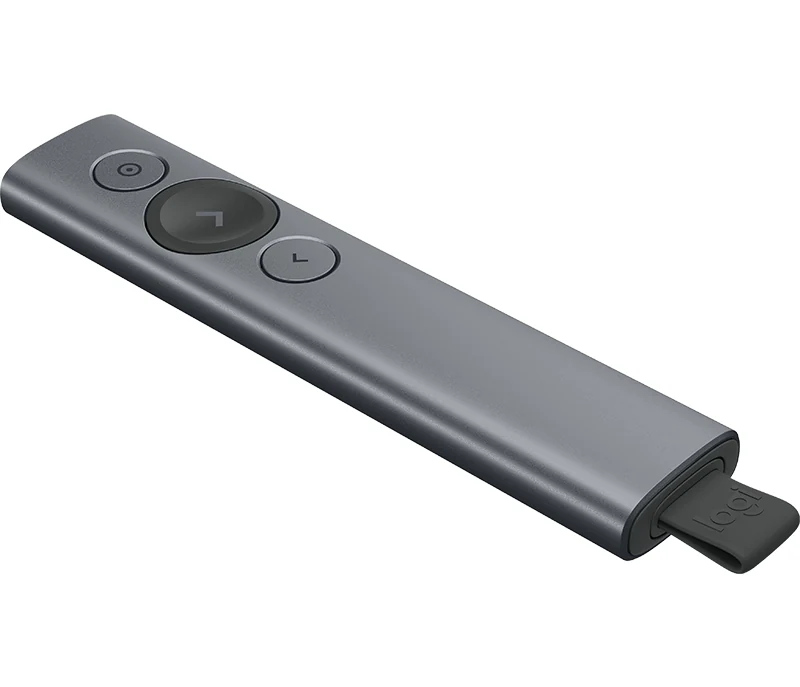
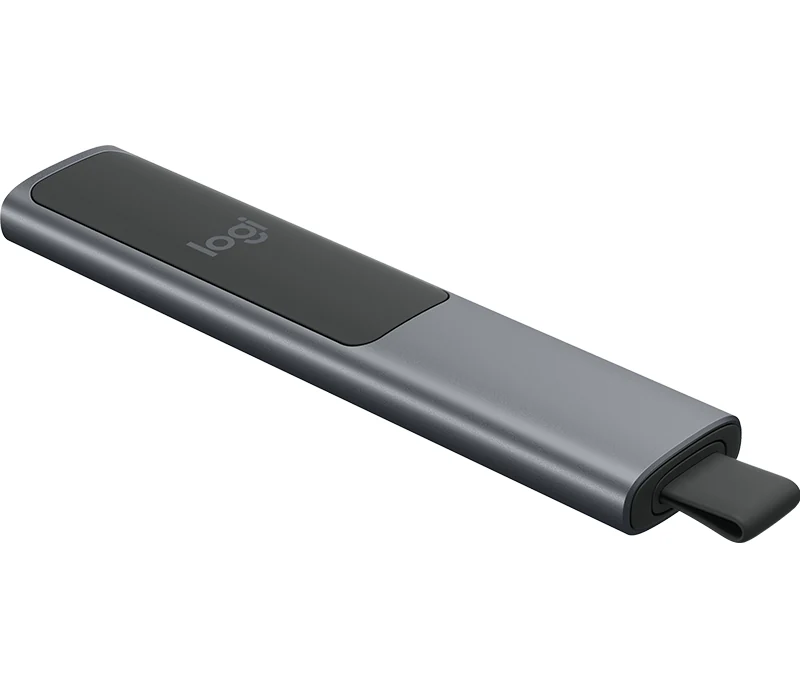
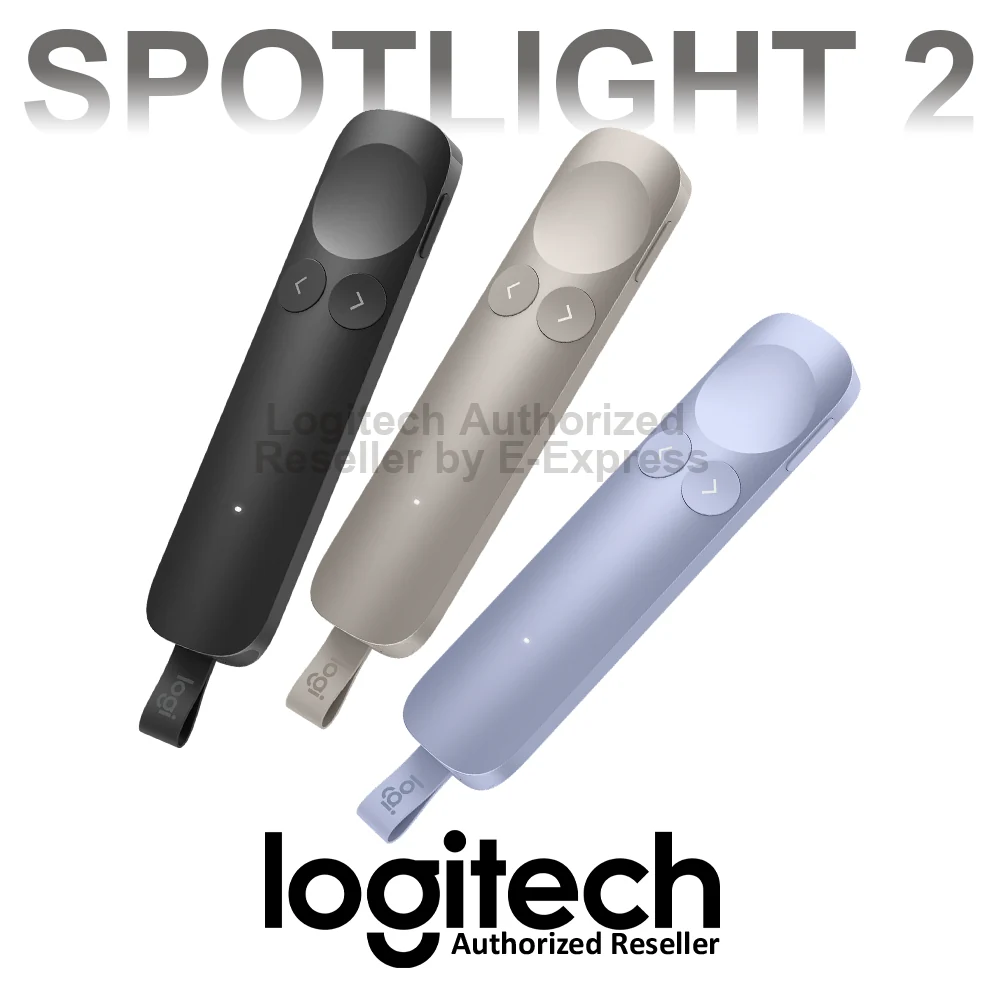
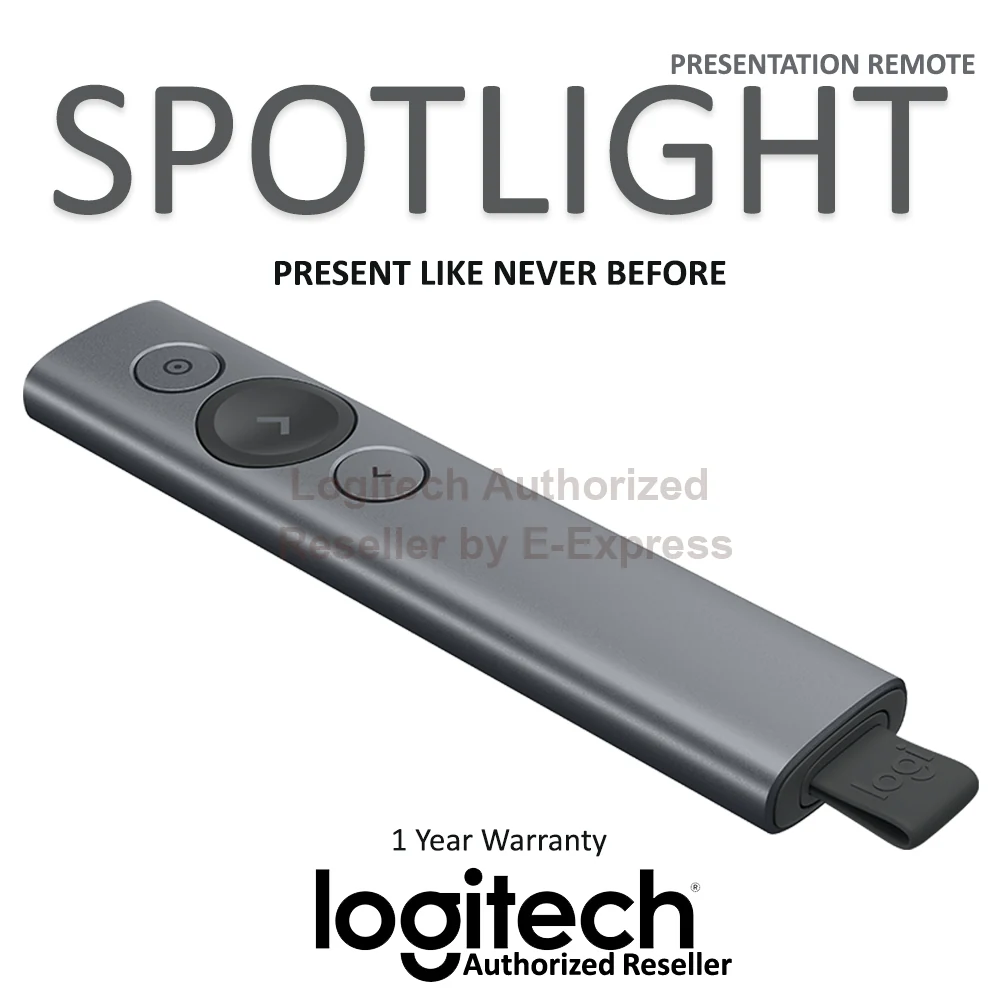
Logitech Spotlight 2 Presentation Remote Wireless Clicker with haptics Pointer Wireless Genuine Official distributor warranty 1 year
฿4,790.00VAT included
Choose options
 EN
In stock

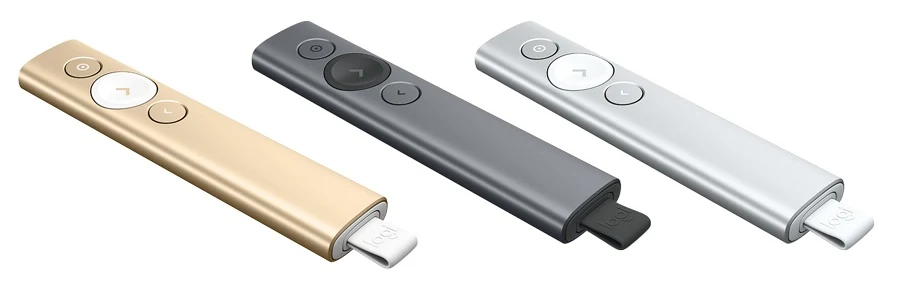
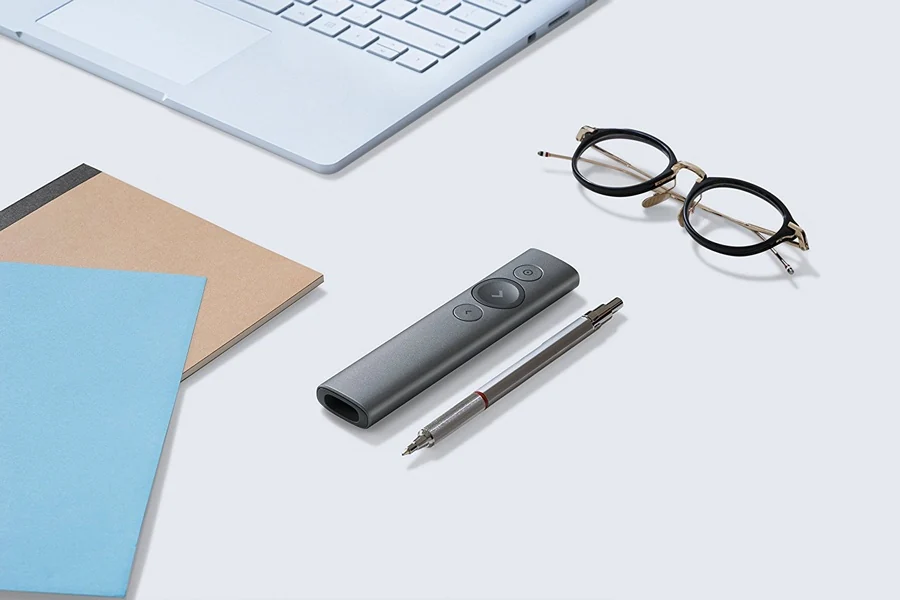
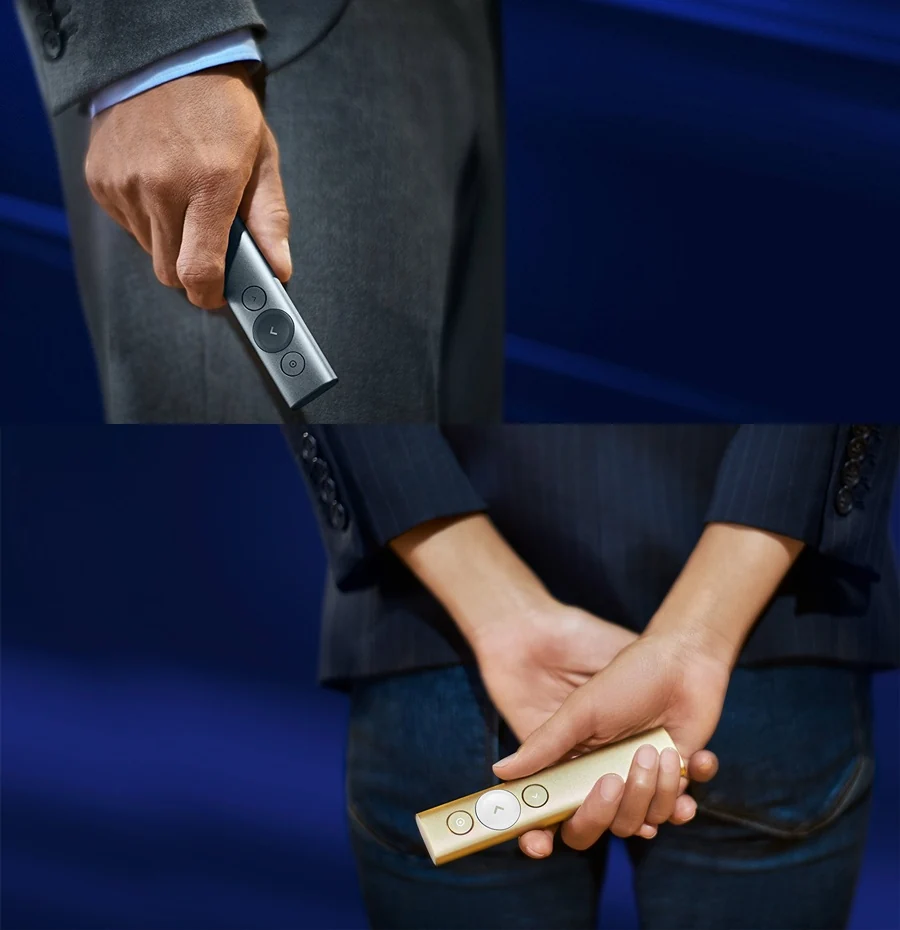
Spotlight Presentation Remote is designed for 21st-century business presentations. It offers advanced wireless and Bluetooth control at up to 30 metres. Track presentation time and set vibration alerts to stay in control through your final slide. Highlight or magnify content precisely on screen with a single button press.
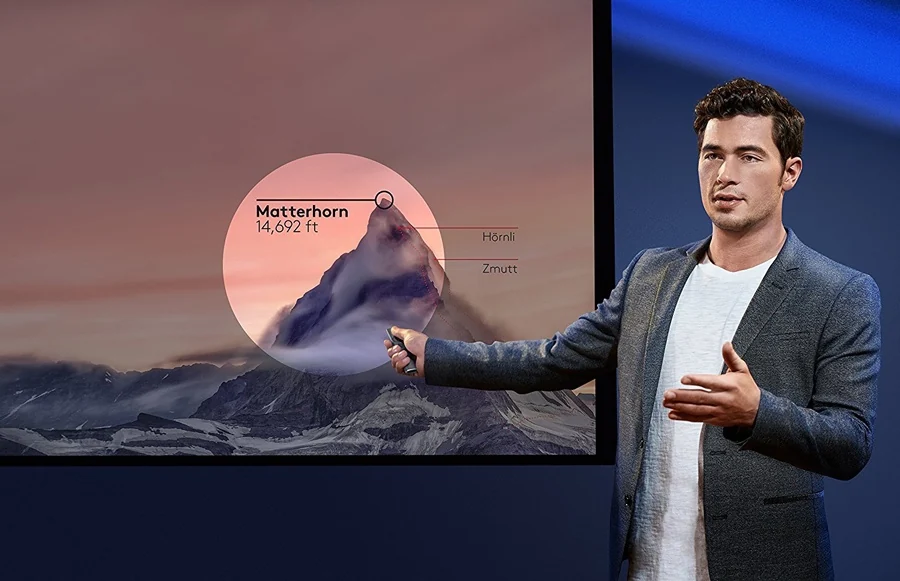
Meet Spotlight
Show it
Play it
Trust it
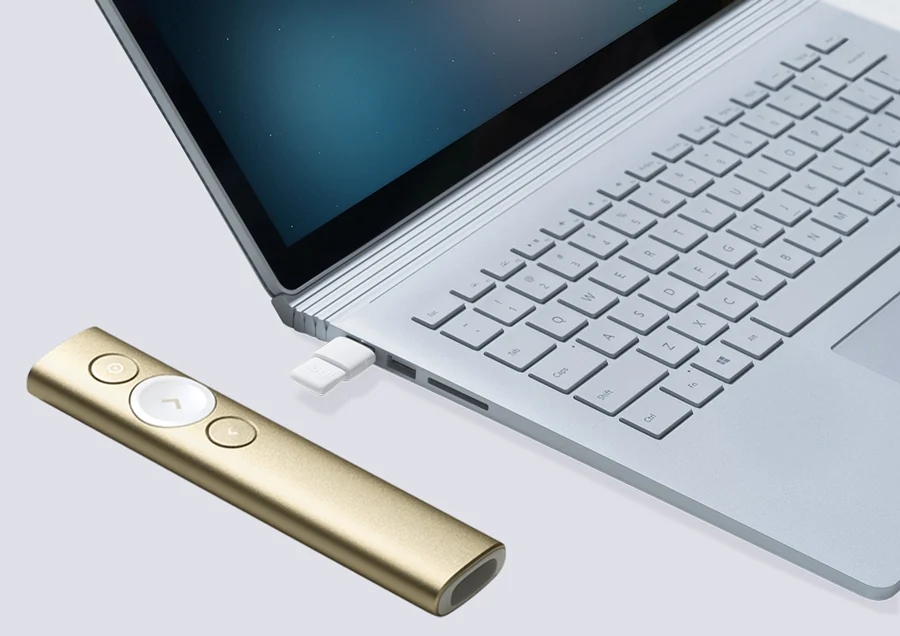
Features
Before using your Spotlight remote for the first time:
Note: even after a full charge, the battery will run down if the Spotlight remote is not used for approximately 12 months, and it will need recharging.
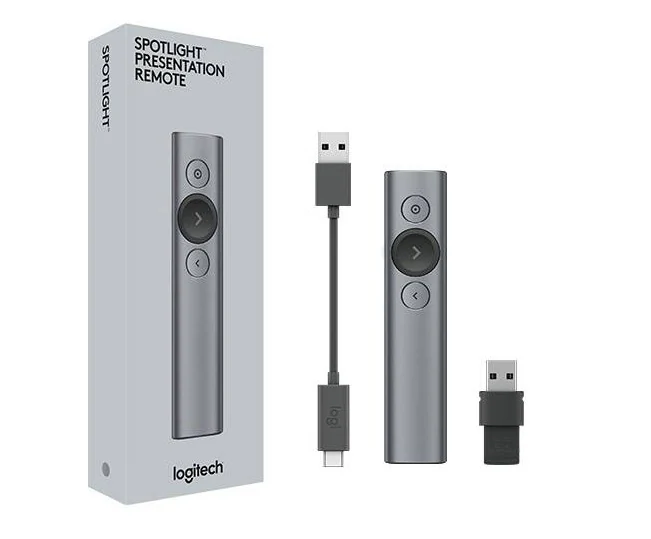
Package contents
Logitech Spotlight Wireless Bluetooth Presentation Remote New Slate review. Credit: notebookspec.com
Product specifications
Swipe the table horizontally to see more details
| Wireless technology: | Bluetooth Smart and 2.4 GHz wireless connection |
| Sensor technology: | Motion sensor |
| Sensor resolution: | 3D accelerometer and gyroscope |
| Number of buttons: | 3 |
| Scroll wheel (yes/no): | No |
| Tilt scroll function: | No |
| Battery life: | 3 months |
| Battery type: | Rechargeable lithium polymer battery, 85 mAh |
| Wireless operating distance: | 100 ft (30 m) |
| Interface: | USB port |
| Dimensions (W × D × H), cm: | 2.81 × 1.21 × 13.1 cm |
| Colour: | Slate |
| Warranty: | 1-year limited hardware warranty |
| Option: | Not applicable |
| น้ำหนักจัดส่ง | 0.9 kg |
|---|---|
| ขนาดกล่อง (ยาว × กว้าง × สูง) | 10 × 10 × 10 cm |
1-year warranty
After-sales serviceอ่านนโยบายรับประกันและคืนสินค้าIn stockView detailsPresenter
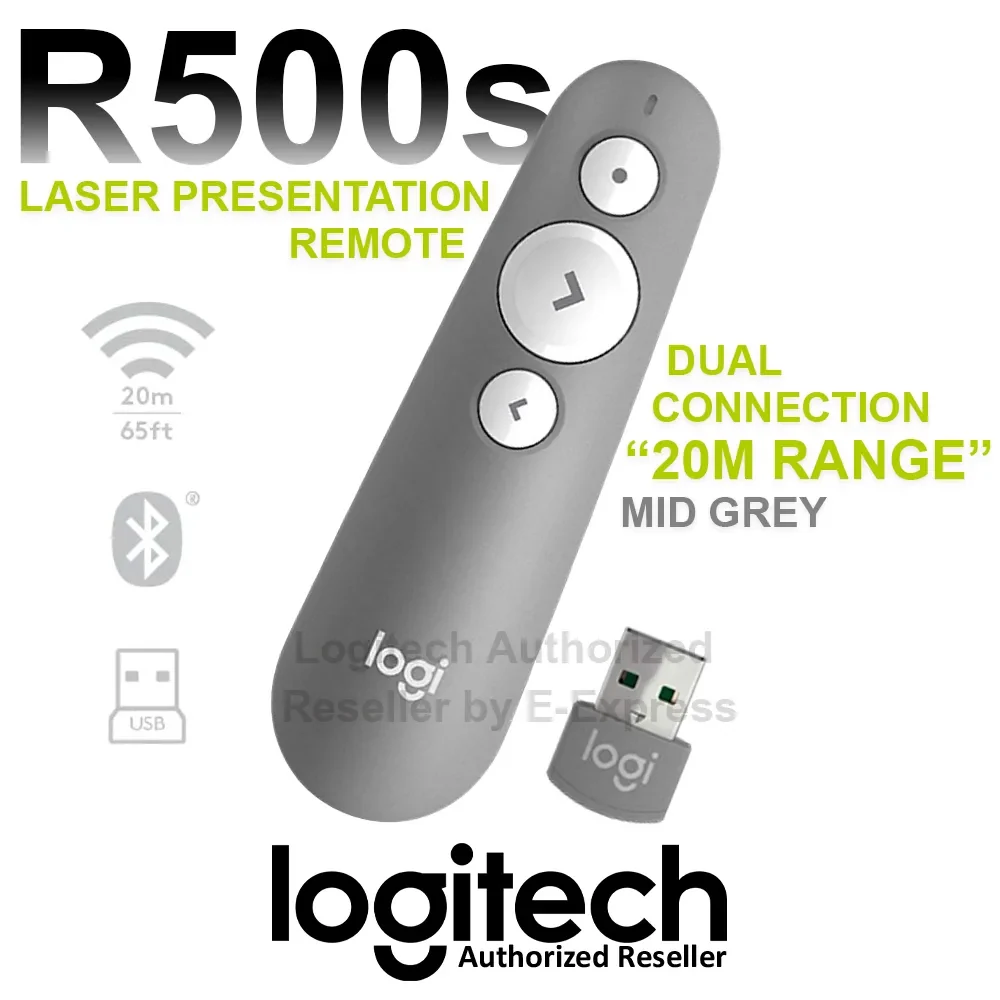 Out of stockView details
Presenter
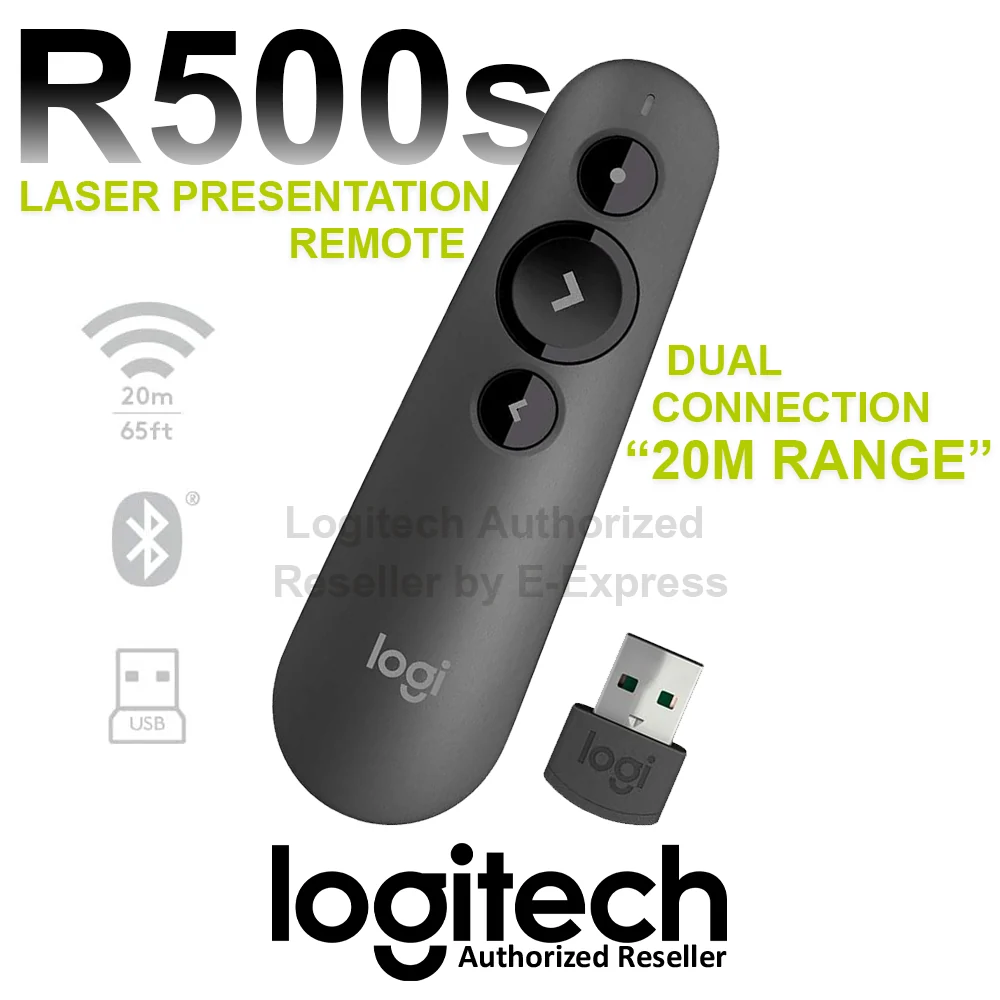 In stockView details
Presenter
 Out of stockView details
Presenter
 LOGITECH BY JDC
Need advice? LINE @sale.jdc